

The MacBook Neo is Apple’s latest attempt at a budget laptop. It runs on an iPhone chip and features a sleek design. While it is well-built, it has clear limits. It serves as a portable tool for everyday tasks and basic editing, though it falls short of the power found in the MacBook Air or Pro.
|
PROS |
CONS |
|
|
|
|
|
|
|
|
The New Entry Point
For a long time, the MacBook Air was the cheapest way to own an Apple laptop. The MacBook Neo changes that. It costs significantly less than the 13-inch Air but maintains a similar size and weight. The CPU comes from the iPhone 16 Pro. It won’t compete with the new M5 chips, but it handles photo editing and light video work without much trouble. You are buying the bottom of the line here. You lose out on premium features, but you get the reliable macOS and enough battery to last a full day. If you don’t need massive computing power, this might be your best option.

Pricing and Value
Starting at $699 (or R11,999.00 locally), the Neo is a bargain in the Apple world. That entry price gets you 8GB of RAM and 256GB of storage. If you upgrade to 512GB through Apple, you also get a fingerprint reader on the power key. You cannot add more RAM or extra graphics power later. Windows laptops at this price often feel cheap, but the Neo feels like a premium machine. You could buy two of these for the price of one MacBook Pro.
Design and Daily Use
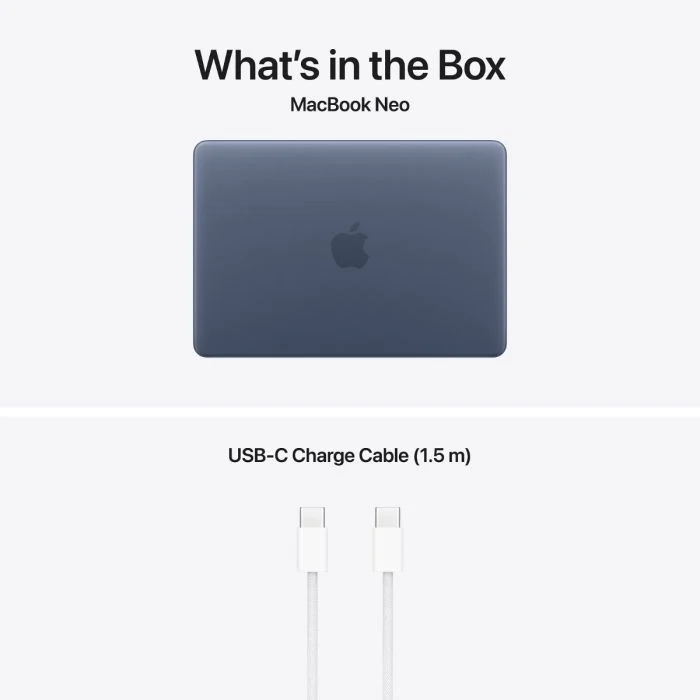
Apple kept the design familiar. You identify the Neo by its color rather than a label. It comes in Silver, Citrus (green), Indigo, and Blush. A nice touch is that the wallpaper matches the shell color. It is thicker than an Air but uses the same sturdy aluminum. At 1.23kg, it’s light enough to throw in a backpack for a hike with your drone.
Because this is a base model, you have to compromise. You’ll likely be typing your password manually since the cheap version lacks Touch ID. The webcam is a standard 1080p model without the tracking features found on more expensive Macs. The screen is clear but has fewer pixels than the Air. It’s functional but not impressive.

Connectivity Challenges
The ports will likely frustrate you if you move a lot of files. There are only two USB-C ports. One is fast (USB 3.2), but the other is very slow (USB 2.0). Since the chip comes from an iPhone, which only has one port, Apple had to “add” the second one. You’ll have to remember that the port closer to you is the slow one. There is no SD card slot or HDMI port, so you should probably buy a USB-C dock. You’ll probably start feeling the pinch of that ‘budget’ build here the most as a working creative.

Performance Reality
The A18 Pro chip is surprisingly fast for single tasks. In testing, it actually beat the older M3 chip in responsiveness. However, it only has two “performance” cores. The 8GB RAM limit is the real bottleneck. While Apple is good at managing memory, 8GB is tiny by 2026 standards.
It runs Premiere Pro okay for basic edits, but adding heavy effects slows it down. Cleaning up high-resolution raw photos in Lightroom takes a while. It doesn’t crash, but you will be waiting. It’s a workhorse for basic Photoshop tasks like cropping and resizing, but it isn’t built for 8K video or heavy gaming.
Final Verdict
The idea of a laptop running on a phone chip sounds like a gimmick, but it works. You get a real Mac experience for a fraction of the usual cost. If you are tired of struggling with slow Windows laptops or just need a secondary machine for travel, the Neo offers a lot of value. Just be sure you can live with the limited ports and memory before you buy.
Scores at a Glance
| Category | Score | Summary |
| Features | ★★★☆☆ | Needs more ports for professionals. |
| Design | ★★★★½ | Looks and feels like a premium Mac. |
| Performance | ★★★★☆ | Impressive for a phone chip, but has limits. |
| Value | ★★★★½ | The best way to get a Mac on a budget. |